
Filing an AirCover claim requires strict adherence to Airbnb policies and timelines. Missing a deadline by a single day can result in a completely denied claim, regardless of how strong your evidence is. Hosts must understand the difference between the reporting window and the final filing window.
Every piece of documentation you gather must be submitted within these specific timeframes.
The 14 and 30 day windows explained
Time is your biggest constraint when a guest causes damage. You have 14 days from the guest checkout date to report the damage and request compensation from the guest, according to Airbnb Host Damage Protection terms. If the guest declines to pay or ignores the request, you then have 30 days from the checkout date to escalate the request to Airbnb Support, according to Airbnb Host Damage Protection terms.
Airbnb publishes time windows in its current Host Damage Protection terms. Read the current terms. StayTurn does not decide what Airbnb accepts. If you need help prioritizing your actions in those critical first hours, read our guide on preparing evidence for a Host Damage Protection request.
Preparing your evidence before escalation
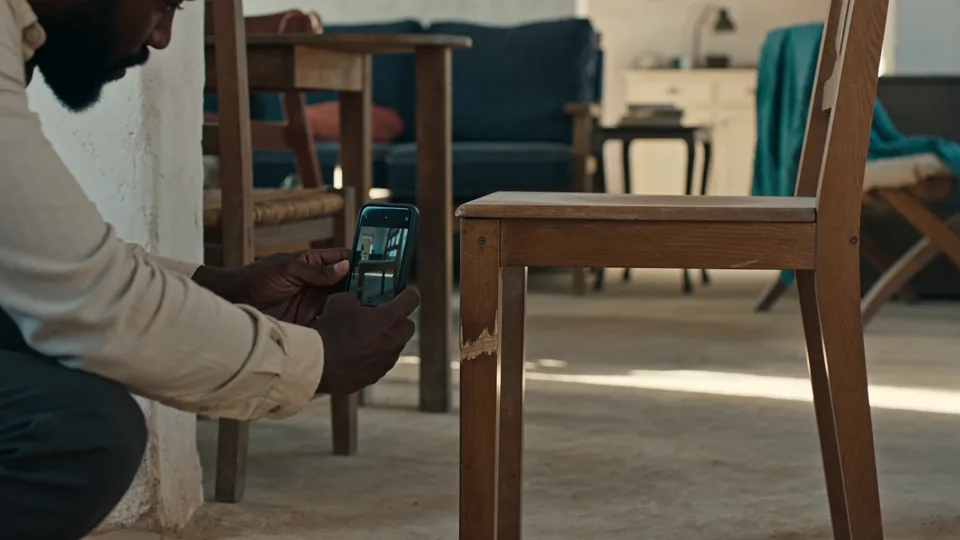
During the 14 day window to request money from the guest, you should be actively finalizing your documentation. You need time-stamped photos of the condition before the stay and photos of the damage after the stay. You will also need official invoices for repairs.
You do not need to rely on scattered phone galleries to do this. The StayTurn kit keeps the photos and receipts you add for each stay in one dated record on your device. Best on Chrome or Edge on a computer. Phone use is optional. See current browser notes on the product page. Solo is $19.99 once for one operator. Team is $39.99 once for up to 10 operators, including the owner. Unlimited is $99.99 once for unlimited operators. Link-only contributors are free. No subscription.
How to execute the claim timeline
Follow this ordered list to manage your documentation within the required windows:
- Assess the property: Inspect the unit immediately after checkout to identify any broken items or excessive mess.
- Take immediate photos: Capture time-stamped images of all damage before your cleaners begin their work.
- Request compensation from the guest: Submit the initial payment request through the Resolution Center within 14 days of checkout.
- Gather professional quotes: Reach out to contractors or cleaners for written invoices detailing the extra costs.
- Compile the baseline records: Retrieve your pre-stay photos to prove the item was in good condition when the guest arrived.
- Organize the final packet: Arrange all photos, receipts, and communication screenshots into a single folder.
- Escalate to support: If the guest refuses to pay, escalate the claim to Airbnb within 30 days of the checkout date, according to Airbnb Host Damage Protection terms.
The importance of cleaner coordination
Your cleaners are your eyes on the ground. They must know how to capture the right photos quickly so you can start the 14 day clock. Providing them with a clear standard operating procedure is critical.
You can learn more about structuring their workflow by reviewing our resource on what your cleaner should capture at every turnover.
Frequently asked questions
Does the 14 day window start at check-in or check-out?
The 14 day window begins on the day the guest checks out of your property, according to Airbnb Host Damage Protection terms.
Can I submit a claim if I do not have a repair invoice yet?
You should submit the initial request to the guest with a reasonable estimate if you do not have the final invoice yet, but you will need official receipts or quotes before escalating to the platform.
What happens if the guest ignores my request for money?
If the guest does not respond within a specific timeframe, you gain the ability to escalate the claim directly to the platform support team for review.
$19.99 once. No subscription.
Keep the photos and receipts for that stay in one dated record. $19.99 once.
Compliance note: the information provided on this page is for general informational purposes only and does not constitute legal or financial advice.